
Choose CableFi if
LV/ICT trade contractors not on the Autodesk stack.
Your operation will run 20% more efficient in 12 months or your money back. Applies to the Starter and Professional lifetime licenses. TermsSee both guarantees
Field & Plans · Different job, some overlap
PlanGrid has been folded into Autodesk Build. CableFi is a self-contained LV/ICT platform with AutoCable AI and offline field. Auto-Cable is on the Professional license.
The verdict
Choose CableFi if
LV/ICT trade contractors not on the Autodesk stack.
Choose PlanGrid (Autodesk Build) if
Firms deeply committed to Autodesk (Revit, BIM 360, ACC).
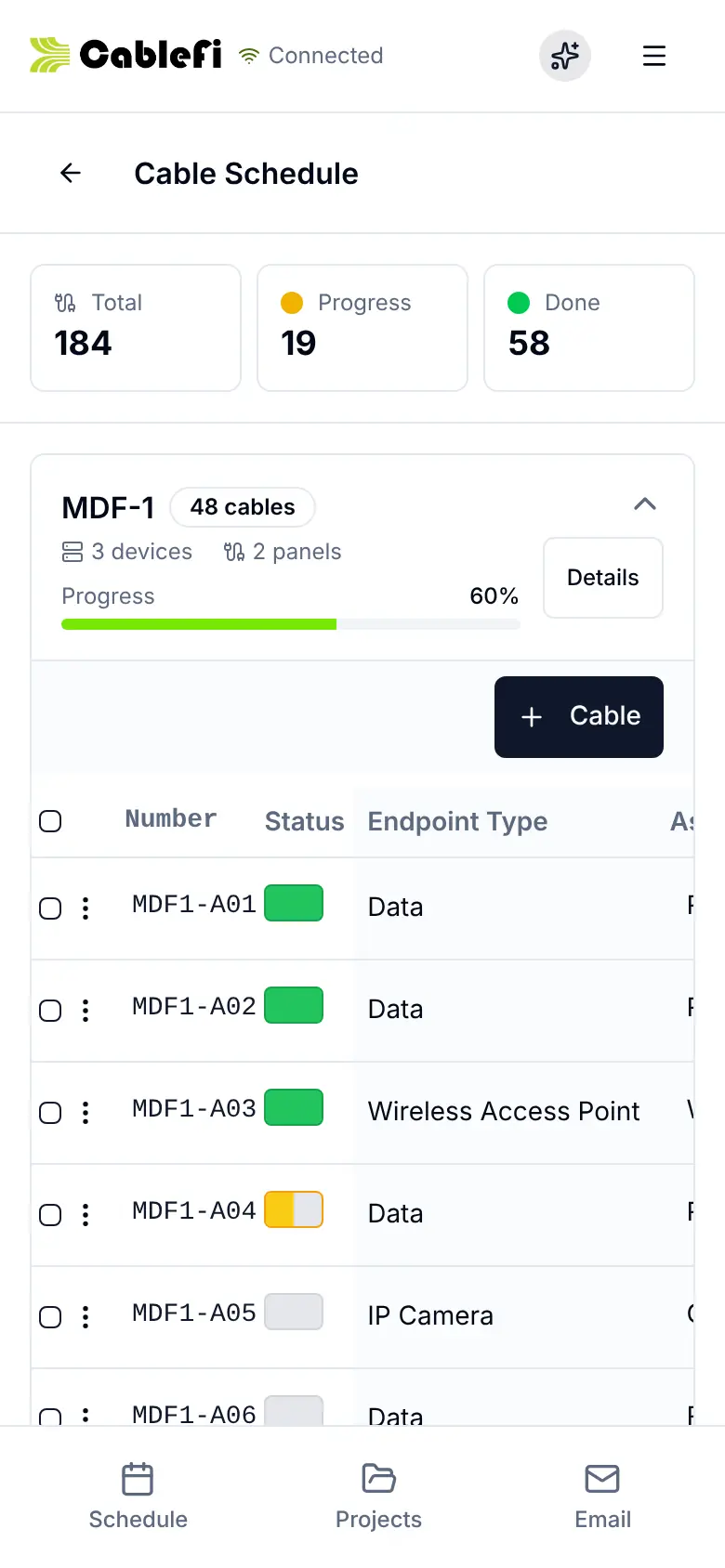
CableFi, on screen
Techs open the plan, work the cable list and close the punch from the phone, and it works offline.
At a glance
| Feature | CableFi | PlanGrid (Autodesk Build) |
|---|---|---|
| Pricing | Starter Monthly is $200 a month for shops doing up to $500,000 a year, with up to 10 users. Or a one-time lifetime license: Starter $2,500 or Professional $5,000, unlimited users. No per-seat fees, no free trial. | Autodesk Build subscription |
| Built for | Multi-trade low-voltage and structured cabling contractors | Autodesk-stack GCs |
| How to try it | 30-minute demo | Trial |
| Works offline | Yes: the field app works offline | Yes |
| Phone app | Installs on any phone | Partial |
| Founded | 2022 | 2011 |
| Headquarters | Wilmington, NC | San Francisco, CA (Autodesk) |
Trade-specific PWA covering estimating, projects, field, and CRM.
Starter Monthly is $200 a month for shops doing up to $500,000 a year, with up to 10 users. Or a one-time lifetime license: Starter $2,500 or Professional $5,000, unlimited users. No per-seat fees, no free trial.
PlanGrid features are now inside Autodesk Build, an ACC-based construction management platform.
Pricing: Autodesk Build pricing; contact Autodesk.
Feature by feature
The CableFi column is checked against the product itself. Where we couldn't verify what the other tool does, we say so.
| Feature | CableFi | PlanGrid (Autodesk Build) |
|---|---|---|
| Estimating | ||
| Floor plan markup & takeoffs | Included | Included |
| Auto-Cable: automatic cable routing and cable takeoffOn the Professional license. | Included | Not included |
| Manual estimating & materials catalog | Included | Not included |
| Project Management | ||
| Projects, tasks, scheduling | Included | Included |
| Field | ||
| Field app works offline | Included | Partial |
* Partial support. “Not verified” means we couldn't confirm it from the vendor's public material.
Which should you pick?
Questions
New capabilities live in Autodesk Build; PlanGrid as a standalone product is deprecated.
Your operation will run 20% more efficient in 12 months or your money back. Applies to the Starter and Professional lifetime licenses. See the terms
30-minute demo · Both guarantees in writing