
Operations
Order, stock, install, invoice.
Purchase orders, stock on the shelf and the truck, forms, HR and invoicing in the same system as the job.
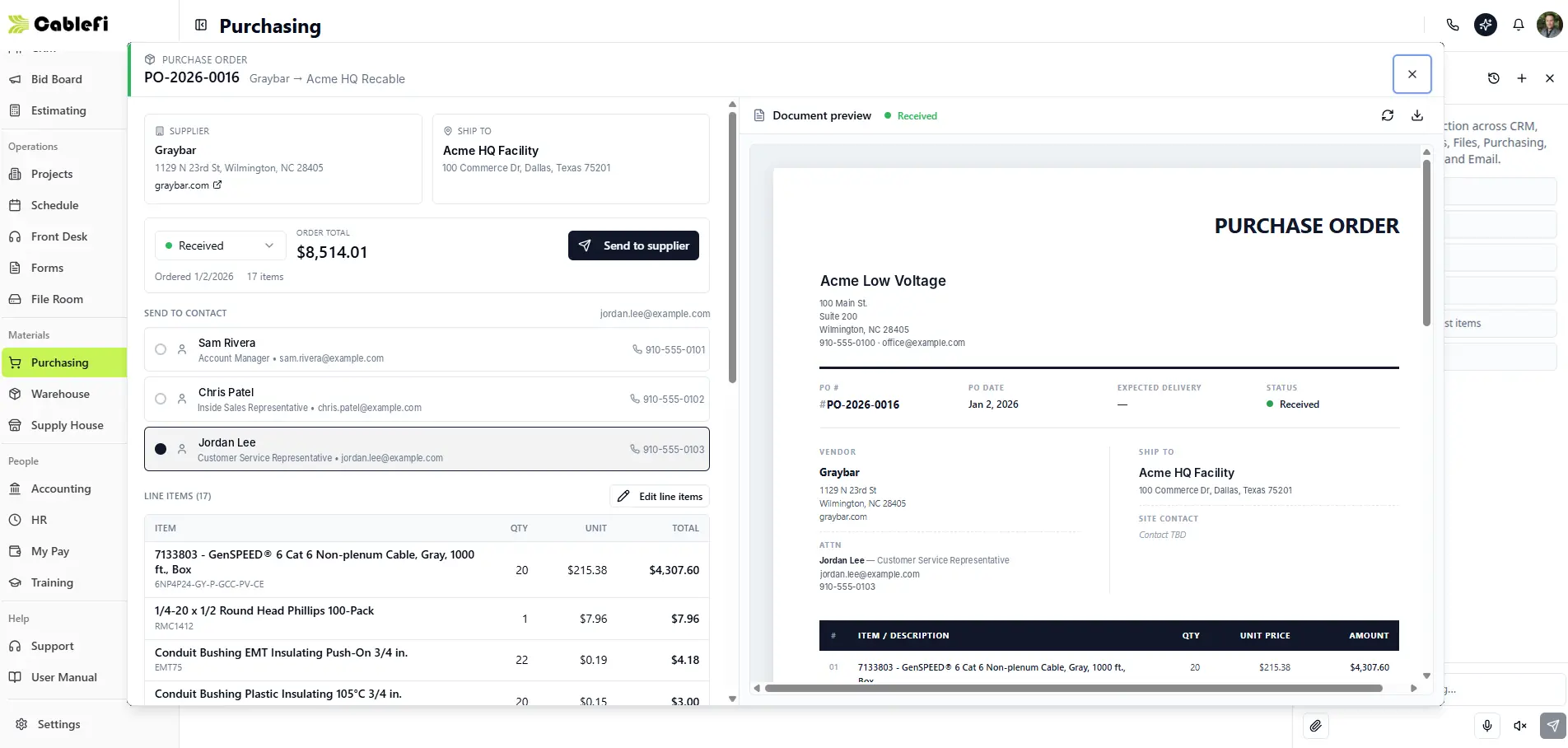
- Status and order total
- Line items from the job
- The PO, ready to send
How it works
Material in, invoices out.
What the job needs is ordered, stocked and billed from the job's own record.
- OrderBuild the PO from the job's materials and send it to the vendor.
- StockReceive it into the shop, a van or a truck, by bin.
- BillInvoice by milestone, progress or T&M, with retainage.
Invoicing, HR and the time clock are on every plan; payroll and full accounting are on Professional.
Forms
Site surveys and sign-offs, off paper.
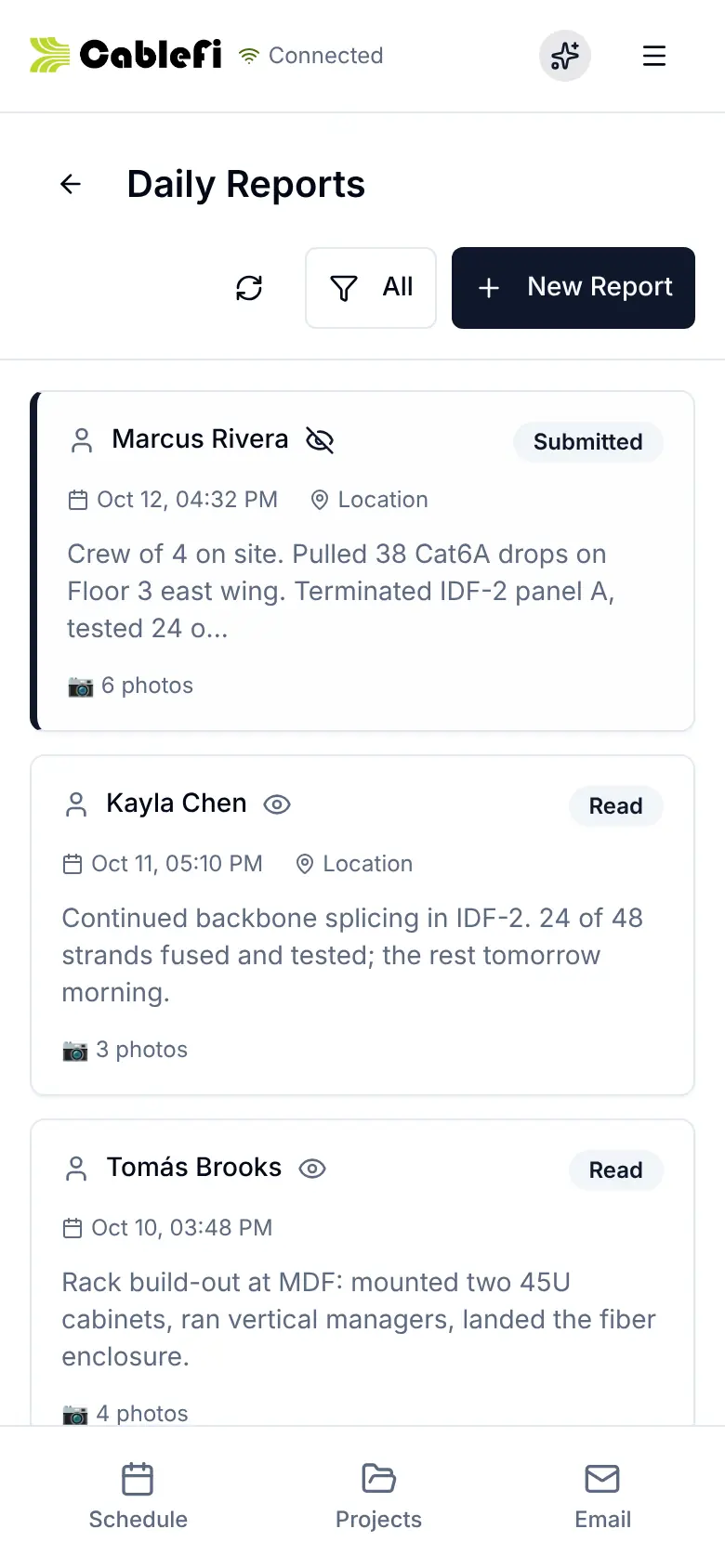
Build a form once, assign it to a job, and techs fill it on the phone.
- Signature, photo and GPS fields, with conditional logic
- Filled on the phone, offline included
- Every submission exports to PDF
What it saves
No double orders, no hunting for material.
What is on order, on the shelf, on the truck and on the job is in one place.
- TrackingEvery PO from Draft to Received, with the overdue ones flagged.
- Time savedForms filled on site, never retyped at the office.
- CohesionBilling reads the same job the crew works.
Who it's for
For the office, the shop and the owner.
- Office managersPOs, forms and invoices next to the job.See projects
- Warehouse leadsBins, QR labels, counts and picking to the job.See the field app
- OwnersFull accounting and payroll when you move to Professional.Compare the plans
Questions
What owners ask first
Does CableFi do invoicing, payroll and accounting? Which plan?
Invoicing, HR and the time clock are on every plan: billing plans by lump sum, milestones, progress or T&M, with retainage and a share link for the customer. Payroll and the rest of accounting are on Professional.
How does purchasing work?
Build a purchase order from the job's materials or by hand, send it to the vendor, and track it from Draft to Submitted, Confirmed and Received.
Can CableFi track stock on the trucks?
Yes. Stock lives by location (rack, van, truck or container) and bin, with QR bin labels, counts, picking that ships to jobs, and stock reserved against open purchase orders.
What are the forms for?
Site surveys, inspections, sign-offs and safety forms. Build them with signature, photo and GPS fields and conditional logic, fill them on the phone, offline included, and export each submission to PDF.
Something else? Ask us
Run the back office in CableFi.
Your operation will run 20% more efficient in 12 months or your money back. Applies to the Starter and Professional lifetime licenses. See the terms
30-minute demo · Both guarantees in writing